Writing Brief
How to read the opening summary and the "What to add", "What to clarify", and "Relationships to make explicit" sections of the writing guidance.
What the writing brief is
The writing brief is the Phase 2 output that produces writing guidance: a structured, actionable list of the specific additions and revisions your content needs to close the structural gaps identified in Phase 1.
Phase 2 produces three outputs: the explanation framework (which concepts should exist for your topic and audience), the writing brief (what to add or fix), and the page architecture recommendation (whether the page's scope is correct). The writing brief is the second of these.
Phase 1 — the concept graph and boundary classifications — is free. The writing brief and all Phase 2 outputs require an analysis credit.
Every item in the brief maps to a specific gap in the explanation framework for your topic and audience. Concepts classified as adjacent or excluded are intentionally absent — see "Why some concepts are not in the brief" below.
The opening summary
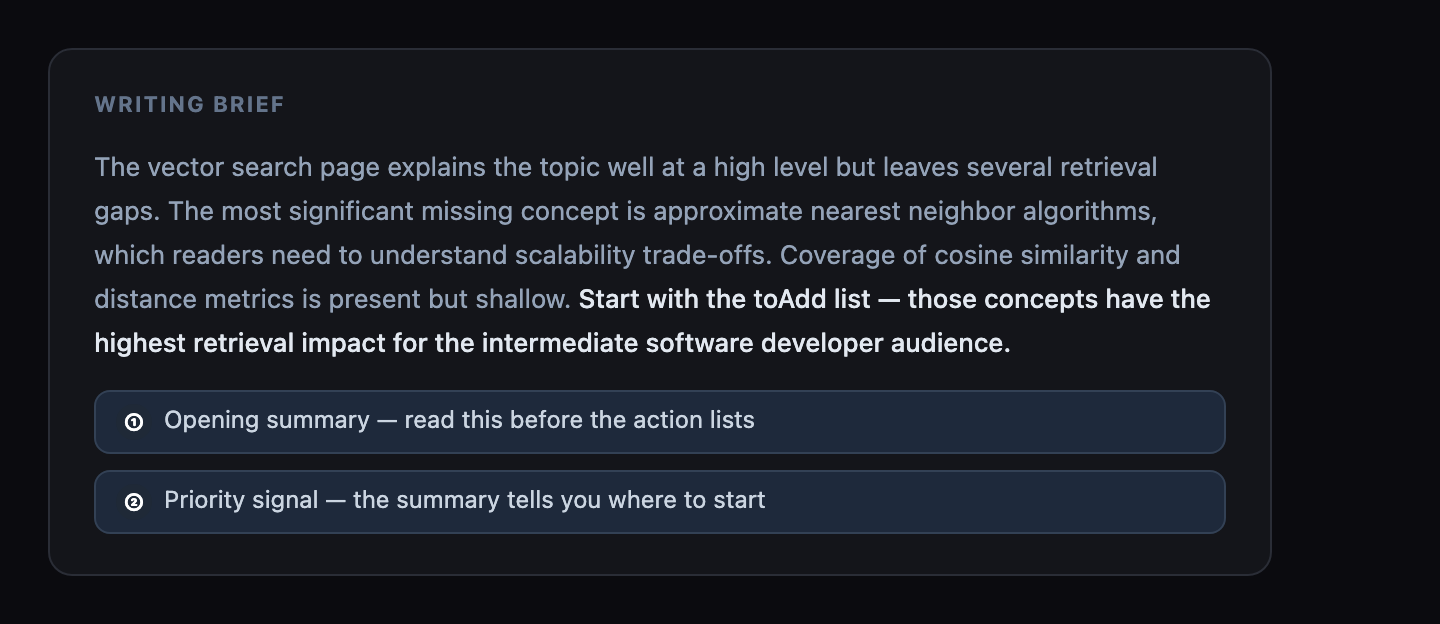
The writing brief opens with a one-paragraph summary: a diagnosis of the page's structural position. It explains which gaps are most significant, what the core coverage problem is, and what the brief prioritizes for this topic and audience.
Read the summary before starting on the action lists. It frames why the "What to add", "What to clarify", and "Relationships to make explicit" items look the way they do and gives you a working model of the structural problem before you begin revising.
What to add
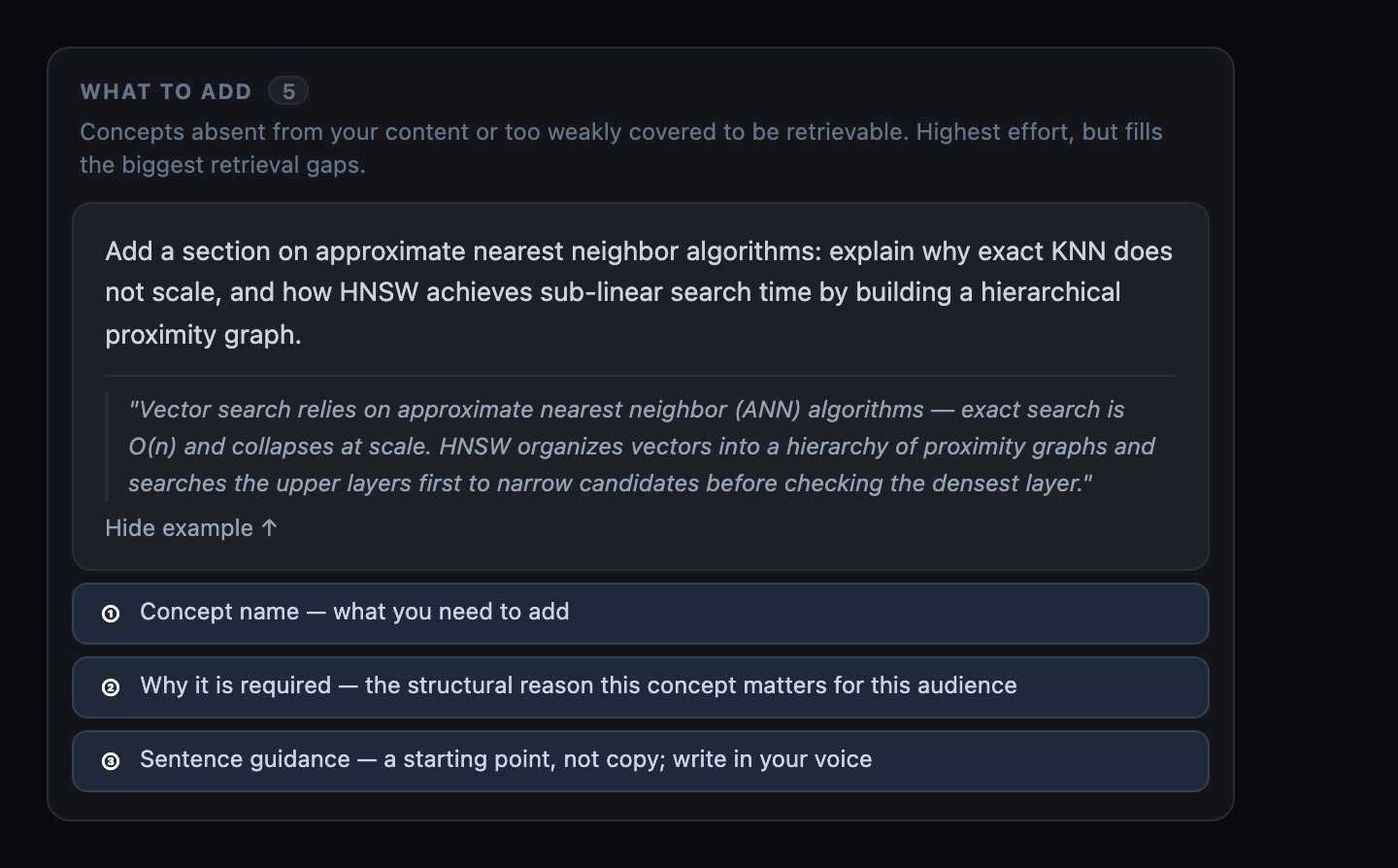
These are concepts that are absent from your content entirely but required by the explanation framework. Adding them closes the largest gaps.
Each item names the concept, explains why it is required for this audience, and in some cases provides sentence-level guidance on how to introduce it. Start here: a concept absent entirely is a more significant structural gap than one present but underdeveloped.
What to clarify
These are concepts that are present in your content but weakly integrated: named or mentioned but not explained at the depth required. Clarifying them improves the integration state from weakly_integrated or underexplained to well_integrated.
Items in this section often require expanding an existing section rather than adding new content. The concept exists; the explanation does not.
Relationships to make explicit
These are relationships between concepts that your content implies but never states directly. The structural assumption is that an AI system parsing your content is more reliable when connections are stated explicitly, not inferred.
Example: your page explains concept A and concept B separately, but never states that A depends on B, or that B is a consequence of A. Making that relationship explicit is the revision.
sentenceGuidance
For some items, ContentGrapher generates specific sentence-level suggestions: example phrasings, structural patterns, or multi-concept sequences that address several gaps at once.
These are starting points, not copy. Use them to understand the structure of what is missing, then write the actual sentences in your voice.
Priority order
Address essential explanations first, followed by important and useful work. Additions, clarifications, and relationship instructions can each be essential.
The task summary groups work by editing type. It does not estimate effort or impact.
After revising, re-analyze and compare the findings against your edit. A changed recommendation alone does not prove that a gap closed.
When SERP data resolved for the analysis, gaps in diagnostic dimensions that had active PAA questions were weighted higher in the priority order. The Demand signal panel shows which dimensions had PAA activity. See Demand Signal for how the panel affects priority.
When your page is marked done
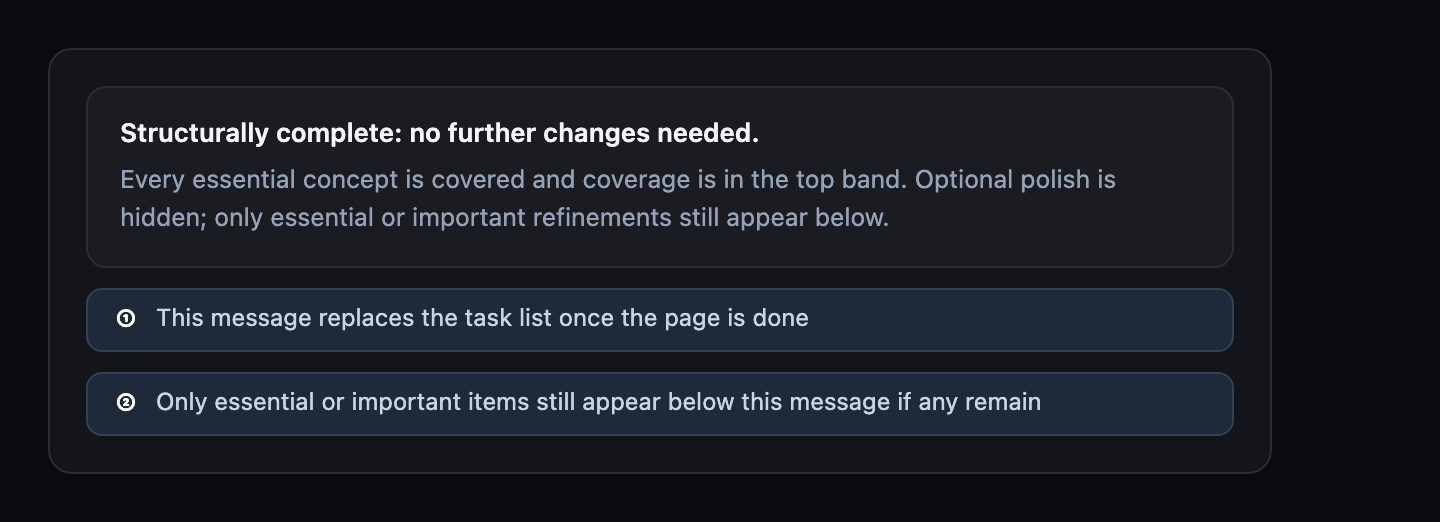
Once your page reaches the Complete coverage band with every essential concept fully covered, ContentGrapher marks it done. The writing brief opens with "Structurally complete: no further changes needed" in place of an open task list. See Coverage Score for the full definition of done.
"Relationships to make explicit" keeps showing essential or important items if any remain, but hides lower-priority polish suggestions there once the page is done. "What to add" and "What to clarify" are not filtered by done status: if either section is still showing something, it is a real remaining gap worth addressing even though the page is otherwise done.
Why some concepts are not in the brief
Concepts classified as adjacent or excluded in Phase 1 do not appear in the writing brief — not even in the "What to add" section. This is intentional: explaining out-of-scope concepts more fully does not improve structural completeness. The solution for adjacent and excluded concepts is a scope decision, not a writing task.
If you see a concept in your concept graph that you expected to find in the writing brief but cannot, check its boundary classification. If it is adjacent or excluded, the brief is correct. See Boundary Classifications for how to act on adjacent and excluded concepts.
Related topics