Primary Retrieval Role
The five PRR types, how to diagnose a mixed-role page, and what to do when the classification seems wrong.
What primary retrieval role means
Every page has a structural role in the retrieval ecosystem: the job it does for the reader. ContentGrapher classifies this role before running the concept analysis, because the required concept structure depends on what the page is for.
A page trying to do two jobs at once produces a diluted signal. ContentGrapher's model assumes AI retrieval systems prefer a focused guide over a page that mixes explanation, step-by-step instructions, and a product pitch when the query is "how to do X."
The five roles
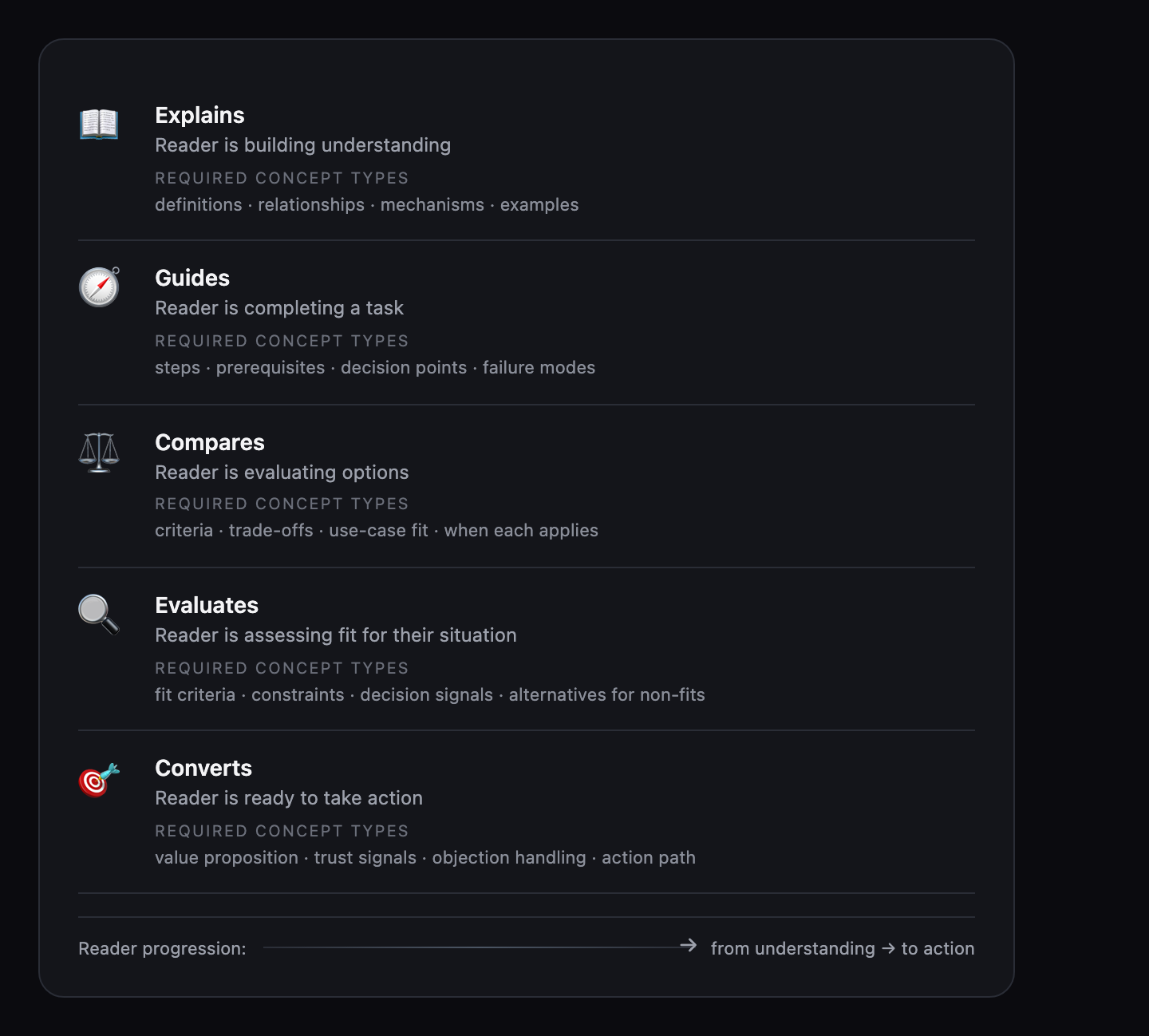
Explain — defines or explains what something is. The reader is building understanding. Required concepts are definitions, relationships, mechanisms, and examples. Example: "What is transformer architecture?"
Guide — procedural how-to execution. The reader is completing a task. Required concepts are steps, prerequisites, decision points, and failure modes. Example: "How to fine-tune a language model."
Compare — X vs. Y, alternatives, trade-offs. The reader is evaluating options. Required concepts are evaluation criteria, trade-offs, use-case fit, and when each option applies. Example: "RAG vs. fine-tuning: when to use each."
Evaluate — is X right for me, best X for Y. The reader is assessing fit for their situation. Required concepts are fit criteria, constraints, decision signals, and alternatives for non-fits. Example: "Is vector search right for my use case?"
Convert — transactional, drives a next step. The reader is taking action. Required concepts are the value proposition, trust signals, objection handling, and a clear action path.
How the roles connect
The five roles map a reader's progression through a topic: from understanding what something is (Explain), to doing it (Guide), to comparing options (Compare), to assessing fit (Evaluate), to taking action (Convert). This ordering is why scope decisions matter across pages — a concept that belongs to a later stage in this progression often becomes adjacent on an earlier-stage page, because it requires a different kind of explanation than the page's primary role allows.
A well-structured content set routes the reader through these stages via explicit links between focused pages, rather than trying to serve multiple stages on one page.
How to diagnose a mixed-role page
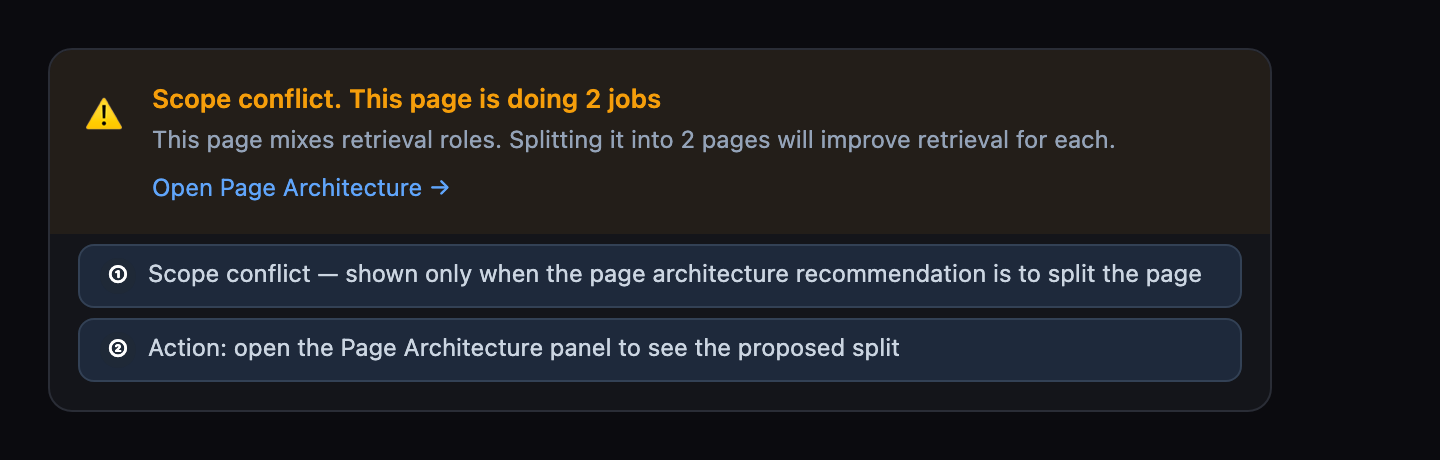
The clearest signal of a mixed-role page is in the boundary classifications: look for adjacent or excluded concepts that belong to a different structural role. If your explain-page has several adjacent concepts that are procedural steps (guide-role content), those are scope problems, not coverage gaps.
A low coverage score alongside an accurate PRR classification usually indicates content gaps within that role, not role mixing. Role mixing and content gaps are different problems. Role mixing shows up in the boundary classifications. Content gaps show up in the writing brief.
What to do with a mixed-role page
Separate the roles into dedicated pages and link between them. A user who understands the concept (explain page) should be able to follow a link to the guide. A user who completes the guide should be able to link to the evaluation page.
If separation is not practical, decide which role is primary and demote the secondary role to a brief mention with a link to the dedicated page. Do not try to serve both roles equally.
How confident is the classification
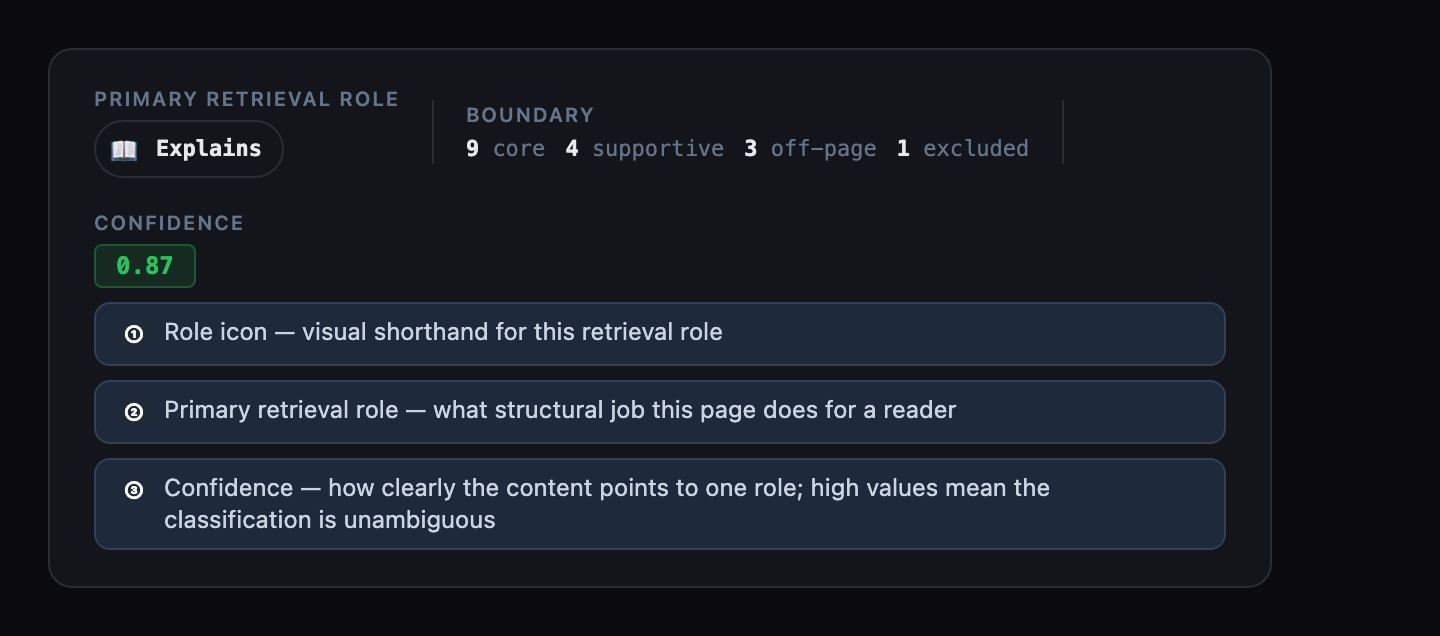
The detected role is visible in two places: in the analysis header alongside the page title, and as a "Detected role" chip at the top of the Page Architecture section. Confidence (high, moderate, or uncertain) is shown in the Page Architecture section alongside the structural decision. A high-confidence classification means the page's concept structure clearly pointed to one role. A low-confidence classification means the content is less clearly structured around a single role — often a sign that role mixing is already present.
If confidence is low, inspect your concept list for adjacent or excluded concepts that belong to a different structural role. That is usually where the ambiguity is coming from.
SERP intent alignment
When SERP data has resolved, a row appears below the PRR classification showing the dominant structural intent across the top search results for this topic. Analyses where SERP data did not resolve will not show it. It is not a ranking metric; it is structural evidence about what job top-performing pages are doing for this topic.
The row shows one of three states. Match: the page's detected structural role aligns with what the SERP is rewarding for this topic — no structural divergence. Mismatch: the page is structured differently from what the SERP consistently rewards for this topic — not an error, but a structural signal worth weighing when deciding whether to reframe the page's role. Ambiguous: top results serve multiple structural roles and the SERP does not have a dominant intent for this topic; this state does not create a recommendation.
The AIO badge appears on the PRR row when Google is serving an AI-generated overview for this topic's keyword. Its presence means the topic is being summarised directly in search results — structural completeness and source-ability matter more in this context. AIO is informational; no action is required solely because it is present.
| State | Meaning | Action |
|---|---|---|
| Match | Your page's structural role aligns with what the SERP rewards for this topic. | No structural divergence. No action required. |
| Mismatch | Your page is structured differently from what the SERP consistently rewards. | Not an error. Weigh it when deciding whether to reframe the page's structural role. |
| Ambiguous | Top results serve multiple structural roles. No dominant SERP intent for this topic. | No recommendation is created by this state. |
If the classification seems wrong
First, check the primary topic (anchor) that ContentGrapher detected — an incorrect anchor produces an incorrect PRR. The anchor is editable in the analysis header. Correcting it and re-analyzing will produce a new classification.
If the anchor is correct but the PRR still seems wrong, the classification reflects the structural role ContentGrapher detected from the actual content mix, not the intended purpose. The concept distribution, not the title or intent, drives the classification.
To change the PRR, change the content structure: reduce or remove content that belongs to a different structural role, then re-analyze. See Boundary Classifications to understand which concepts are creating the role conflict.