ContentGrapher
← Changelog
FixedMay 29, 2026
Priority Map Hover Tooltip and Item Jump
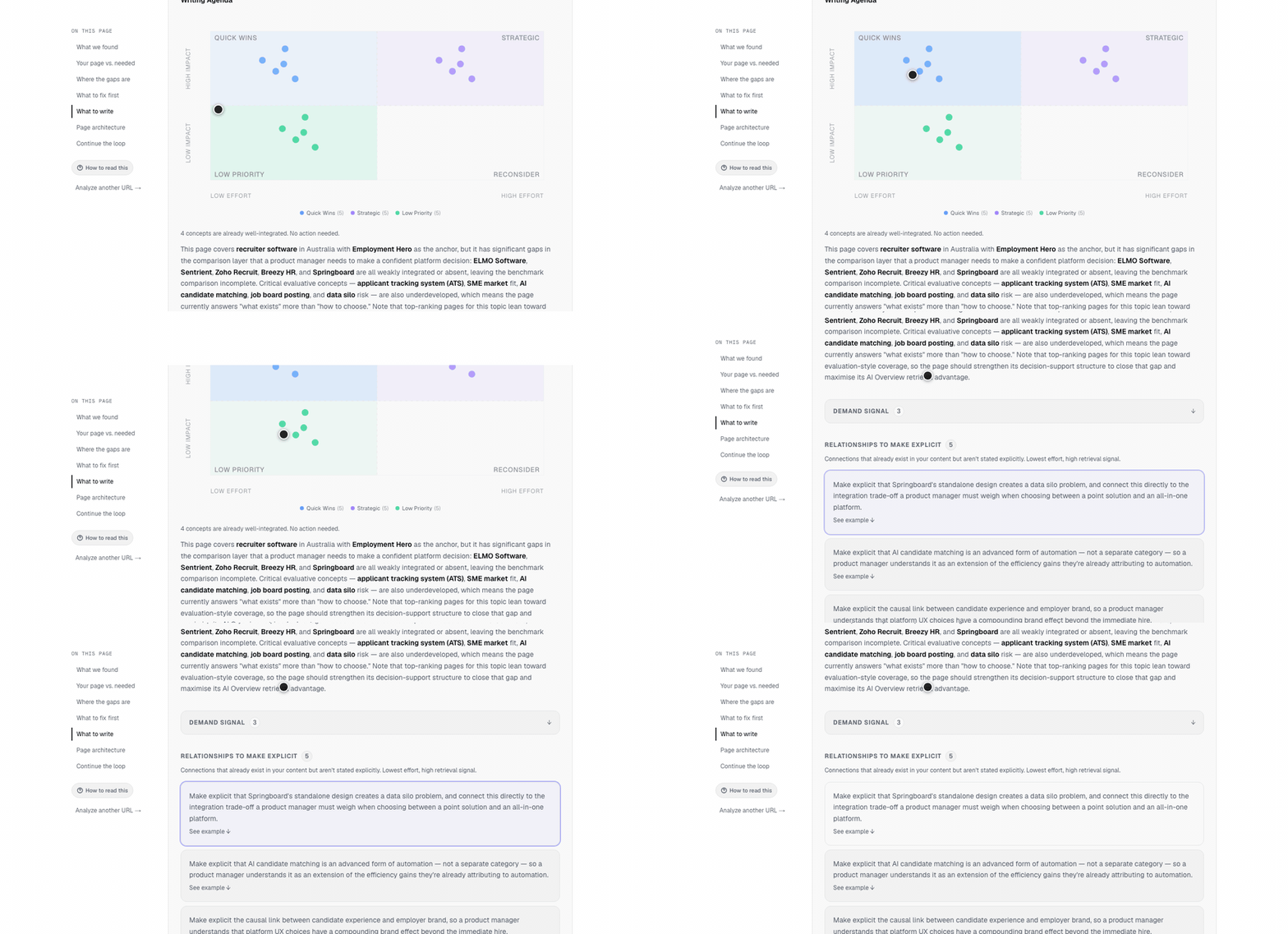
You can now hover any dot on the priority map to preview the specific writing instruction it represents, and clicking a dot scrolls to and highlights the exact card in the writing agenda — not just the section header.
Problem
The priority map dot matrix promised more than it delivered. The product tour told users to hover any dot for the specific writing instruction — but hovering did nothing. Clicking a dot scrolled to a section header, leaving users to scan a list of cards with no indication of which one the dot represented. The connection between the visual chart and the writing agenda was invisible.
Context
A user flagged both behaviors during a product tour run on 2026-05-29, noting that the hover instruction in Step 5 produced no response, and that clicking a dot produced a confusing jump to a section with no item-level resolution. PM triage confirmed both bugs by reading source: the `` elements had no hover event handlers, and the click handler scrolled to a section anchor regardless of which dot was clicked.
Why now
The tour is the primary onboarding path. A false instruction in Step 5 degrades trust on every first run, at exactly the moment users are forming their mental model of the tool. Both fixes are frontend-only with no backend dependencies — deferring them has no upside.
What changed
Dots on the priority map now show a tooltip when hovered. The tooltip displays a preview of the specific writing instruction that dot represents, labeled with its category. Clicking a dot scrolls directly to the corresponding card in the writing agenda and briefly highlights it, so users know exactly which edit they landed on. The product tour Step 5 copy was updated to accurately describe the behavior.